Family album
Your family's year, in a book you can hold
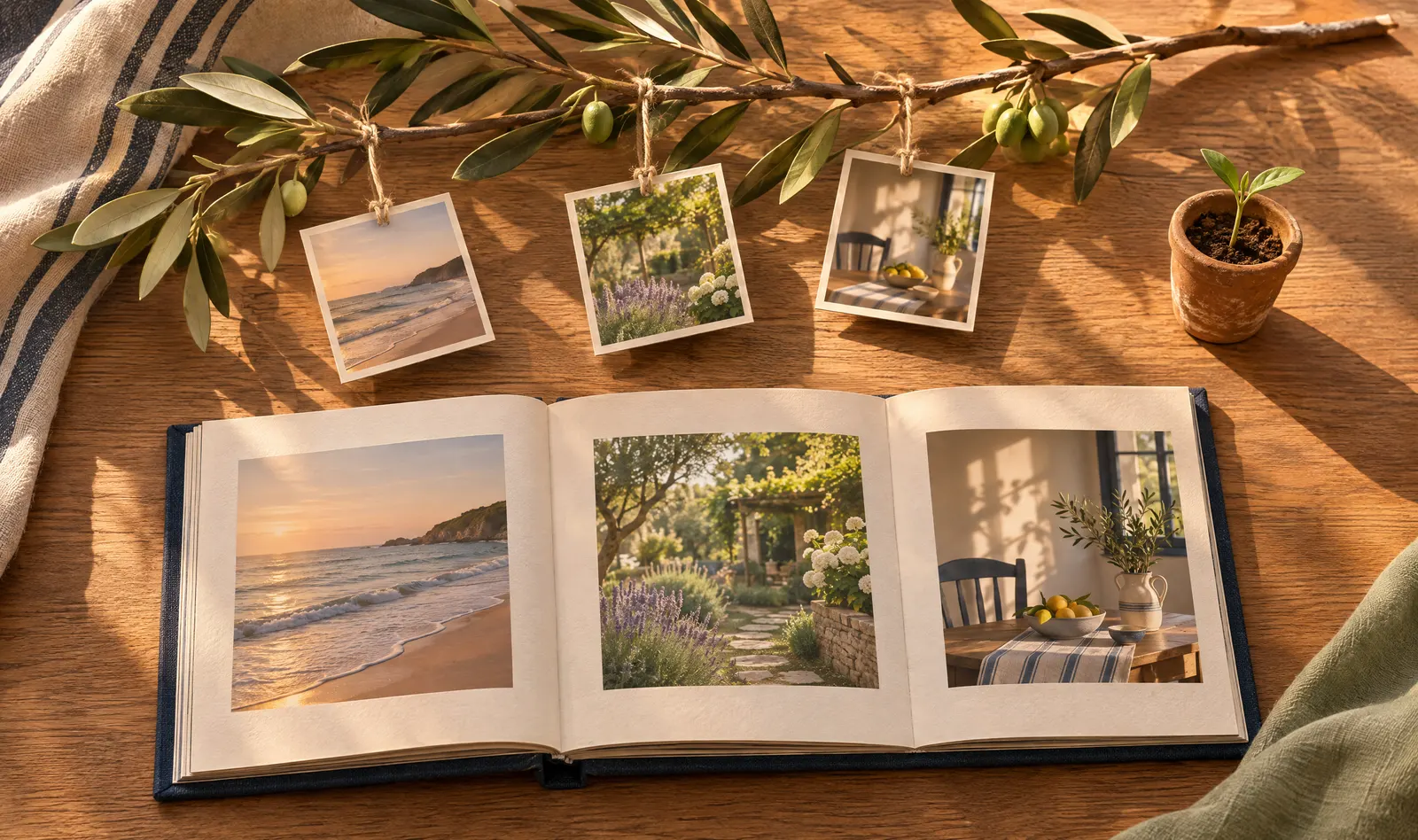
Choose your photos and the album lays itself out in minutes, in the order they were taken. Add captions in Arabic, English or both, a title on the cover and a few words at the start. Arabic albums open from right to left.
How it works
- 1Choose a size and a lookPick the album size and one of four looks.
- 2Add your photosFrom your phone or computer. Pages fill themselves in date order.
- 3Make it yoursSwap photos, change a page, write captions and the cover title.
- 4Read it throughTurn every page before it goes in the basket.
Sizes
20 × 20 cm · square · hardcover
24 pages
From $42
$3 for each extra 2 pages
27.9 × 21.6 cm · landscape · hardcover
24 pages
From $52
$4 for each extra 2 pages
Four looks
Each look sets the album's colours and corners.
- Classic
- Warm
- Holiday
- Baby's first year
- Arabic or EnglishArabic albums open from right to left, like an Arabic book.
- Kept on your deviceClose the tab and come back: your album is still there.
- A sharp-photo checkWe tell you if a photo is too small to print well.
- Photos deleted after60 days after delivery, as our privacy page says.
Questions
How big should my photos be?
Photos straight from a phone are fine. If a photo is too small for its frame, the album maker tells you, so you can give it a smaller frame or choose another.
I closed the tab. Is my album lost?
No. It is kept on the device you made it on: open the album maker there and carry on.
What happens to my photos?
They are used only to print your album. We delete them 60 days after delivery, or a week after you made the album if you never order it.